n8n · security · spectacular · no credentials needed
Every day the German police report new cases of "shock calls", fake police officers, phishing and investment fraud. Each report stands alone, on a different page, in a different tone. To see what is going on right now you would have to read hundreds of them. An n8n workflow now does that: it fetches the reports, sorts them and draws them on a map of Germany.
Open the Scam Live Map (German interface)
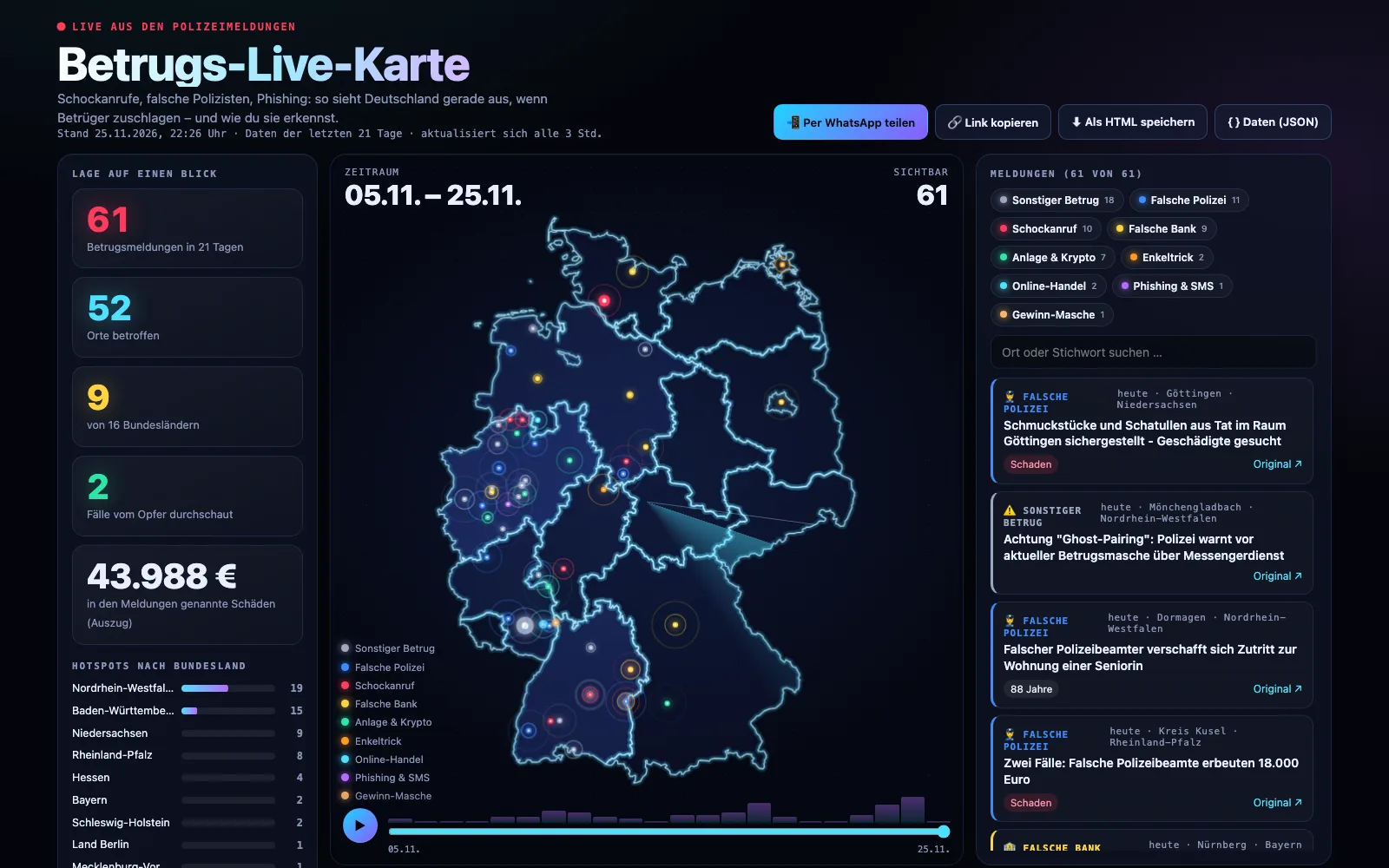
What the page does
- Every report is a pulsing dot, coloured by scam type. Cases from the last 24 hours pulse twice.
- A radar sweep rotates over the country and makes dots flash. States glow brighter the more is reported.
- Replay: one click plays the last 21 days as a time-lapse.
- A card per scam type: how it works and what to do. The answer is almost always the same: hang up and call back yourself.
- Share via WhatsApp in one click, aimed at parents and grandparents.
- Download: the whole page is a single HTML file with no external resources and works offline.
How the workflow works
A webhook serves the page. Behind it sits a cache: if the page is younger than three hours it comes straight from workflow static data (0.07 s in my test). Otherwise the workflow fetches 16 search terms from presseportal.de, uses rules to detect the scam type, the victim's age, amounts mentioned and whether the victim saw through it, geocodes places with Open-Meteo and rebuilds the page. A cold start takes about twelve seconds.
There is deliberately no language model and no credentials. Anyone can import it, and every classification is a rule you can read and change in the Code node.
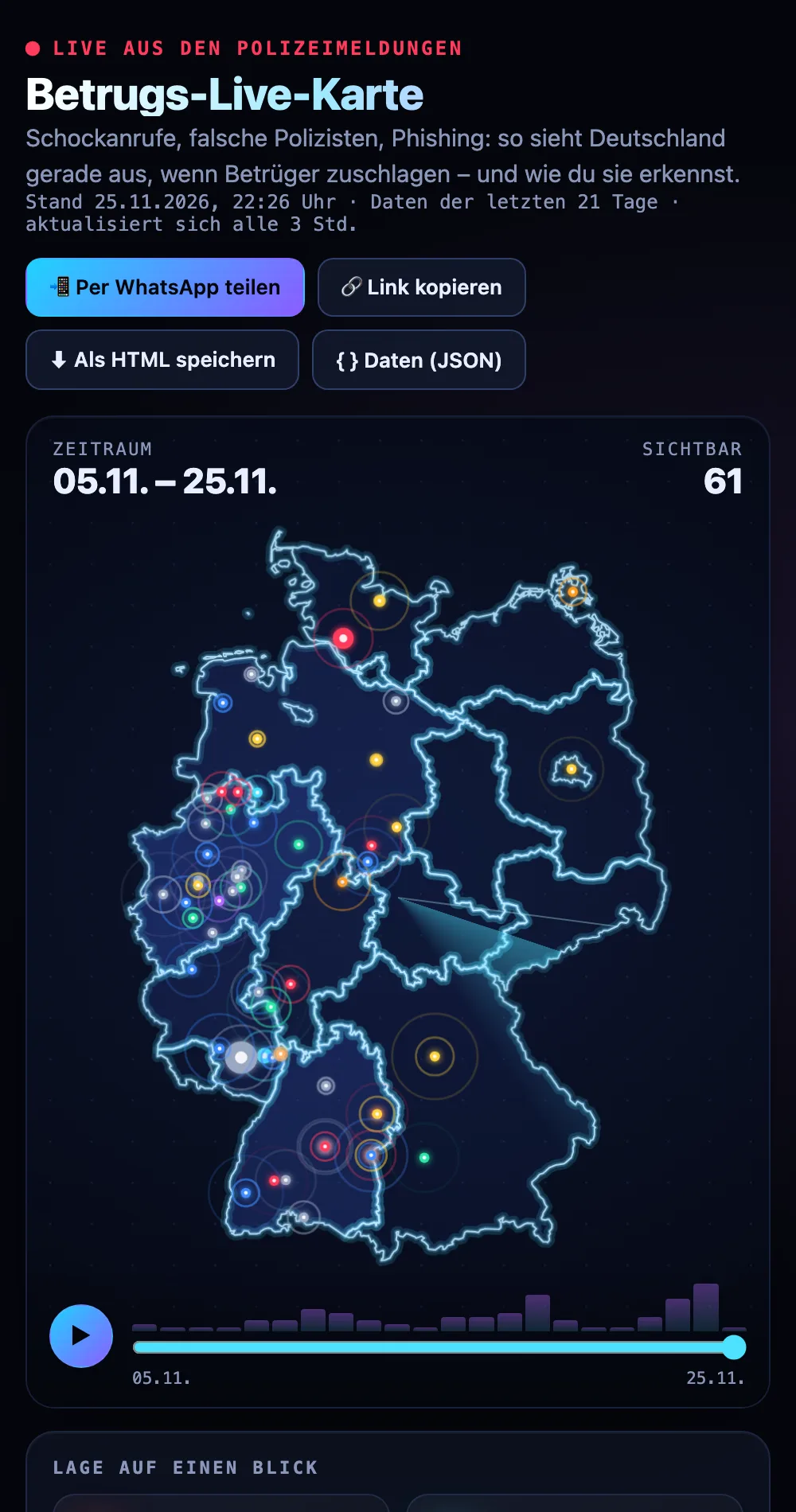
What the map is not
It is a sample. For each search term the ten newest reports are analysed, and not every police unit publishes every case. A dot shows where a report was issued, not necessarily where the crime happened. Keyword classification can be wrong, especially for roundup reports. The map shows what gets reported, not how much really happens, and it does not replace official crime statistics.
Use it yourself
Import the workflow, activate it, open the webhook URL. To change sources or search terms, edit only the "Konfiguration" node. ?format=json returns the raw data, ?download=1 the page as a file. The workflow is available as JSON to import.